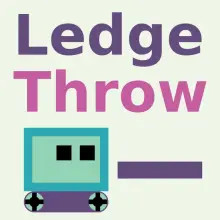
Ledge Throw - Popular Browser Game
• 227 Plays • 209 Views • star 4.7 (3.7K)
All
Device
Both
Orientation
3.7K ratings
Rate This Game
gamepad How to Play Ledge Throw
- Movement: Use WASD or arrow keys to move and jump.
- Throw Platform: Press X to throw a platform.
- Reset: Press R to reset the level.
- Back: Press ESC to go back.
info About Ledge Throw
The gameplay combines simplicity and excitement for fans of lightweight unblocked games for school. The clean interface helps the gameplay feel smooth and focused. Ledge Throw blends innovation with traditional Puzzle games mechanics.
The game is perfect for quick gaming moments. The title was designed with HTML5 (Unity WebGL) to provide a responsive gaming experience.
Play Ledge Throw anywhere, anytime. For more entertainment, explore Jewel Quest or Brain Quiz 3D.